
Computers
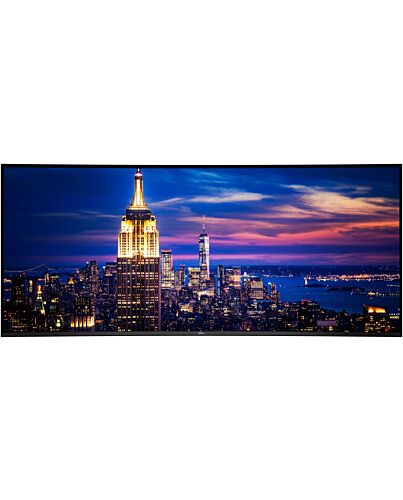
DELL UltraSharp U5226KW_WOS computer monitor 132.1 cm (52") 6144 x 2560 pixels 6K Ultra HD LCD Silve
- Immediately available
- Discreet Packaging
- Free Shipping
Product Details
Description
Key Features
- 132.1cm (52") 6K Ultra HD 6144 x 2560 Edge LED IPS Black
- 8ms, 21:9, 400cd/m², 2000:1
- USB, HDMI, DisplayPort
Reasons To Buy
World's first 52-inch 6K monitor
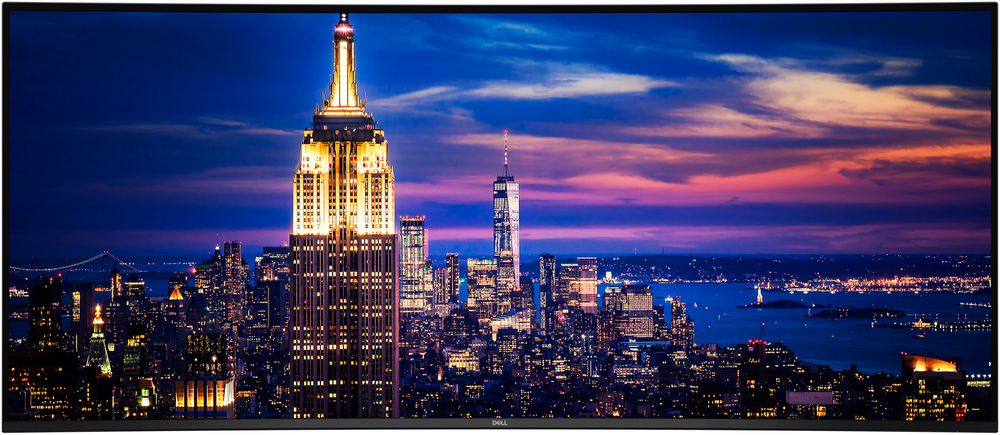
Enjoy seamless multitasking, superior visual clarity, and all day eye comfort while reducing desk clutter.
Experience breathtaking clarity on a curved screen with a cinematic 21:9 aspect ratio, 129 pixels per inch, and IPS Black technology for exceptional detail and deeper contrast.
World's best eye comfort
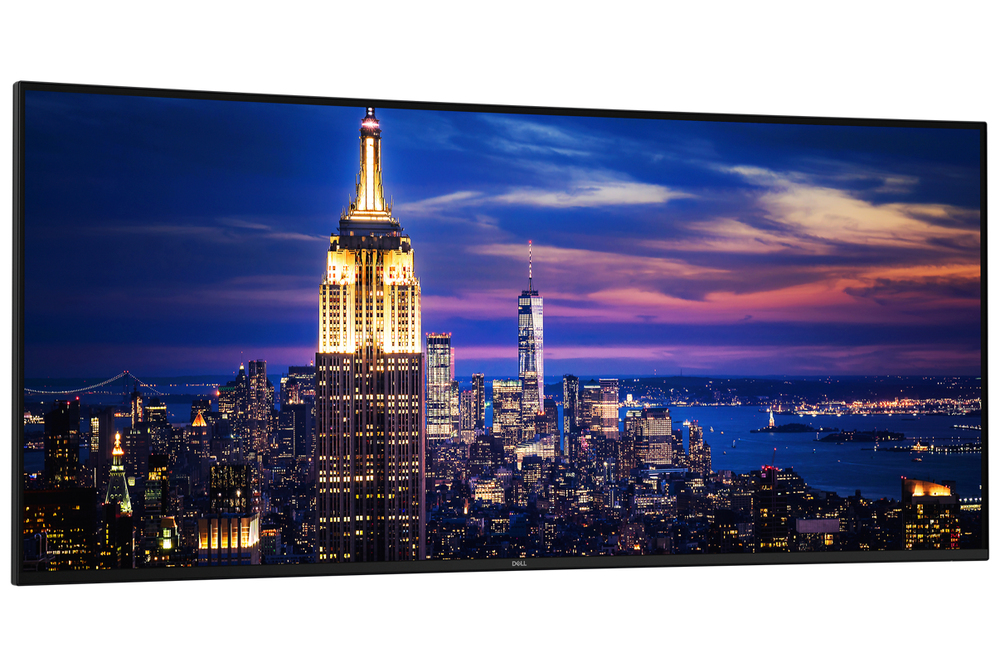
Reduces blue light
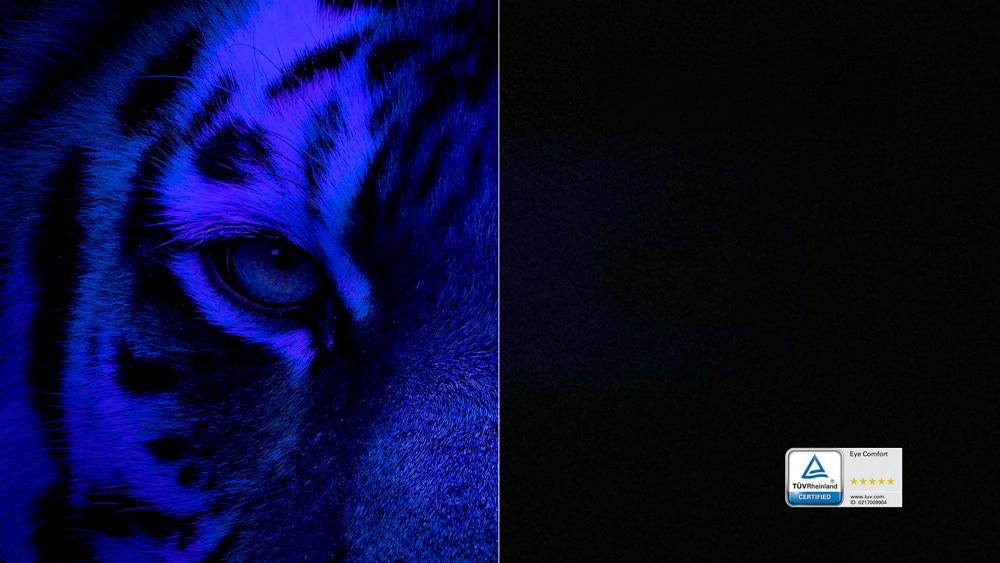
Adapts to your environment
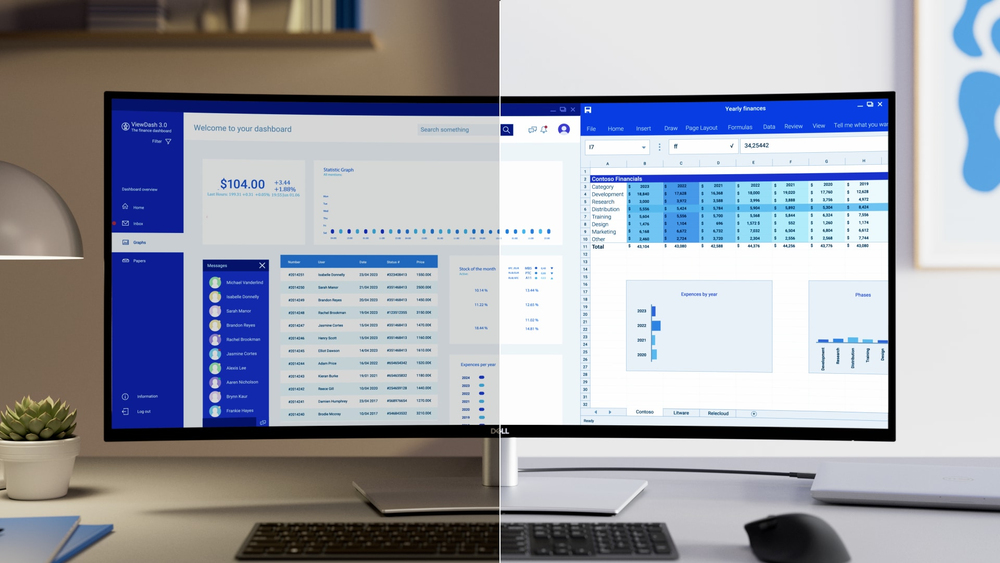
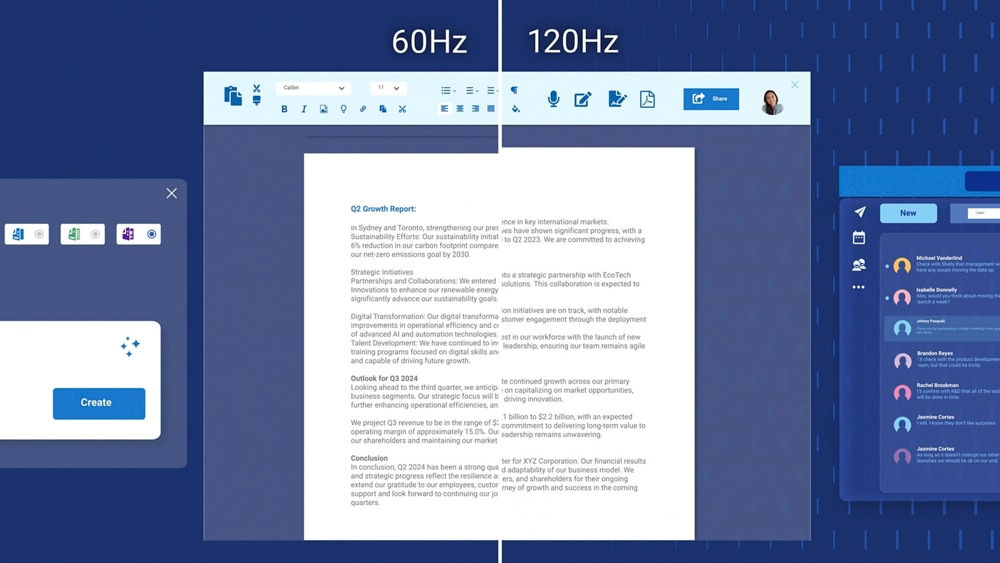
Smoother visual experience
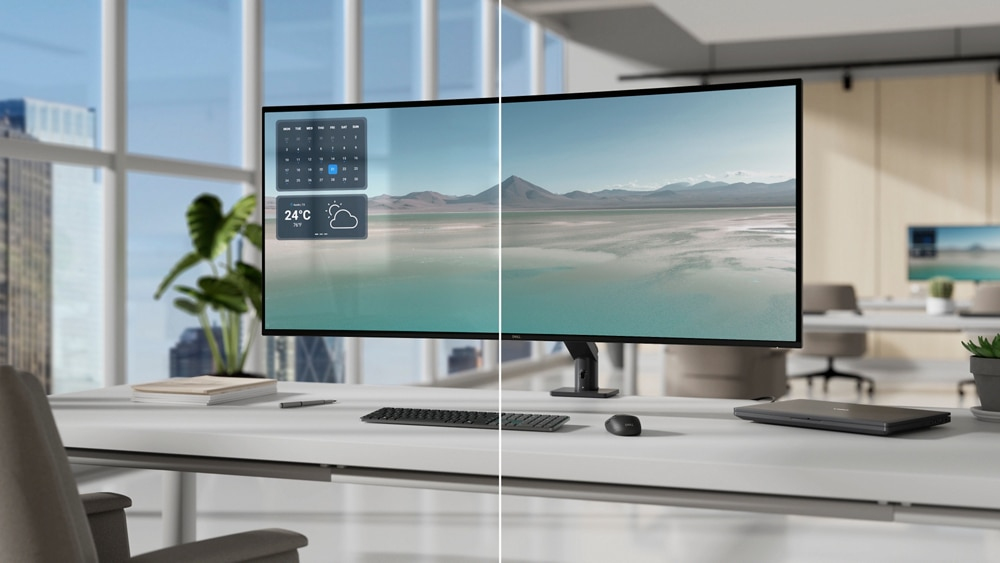
Low reflectance panel
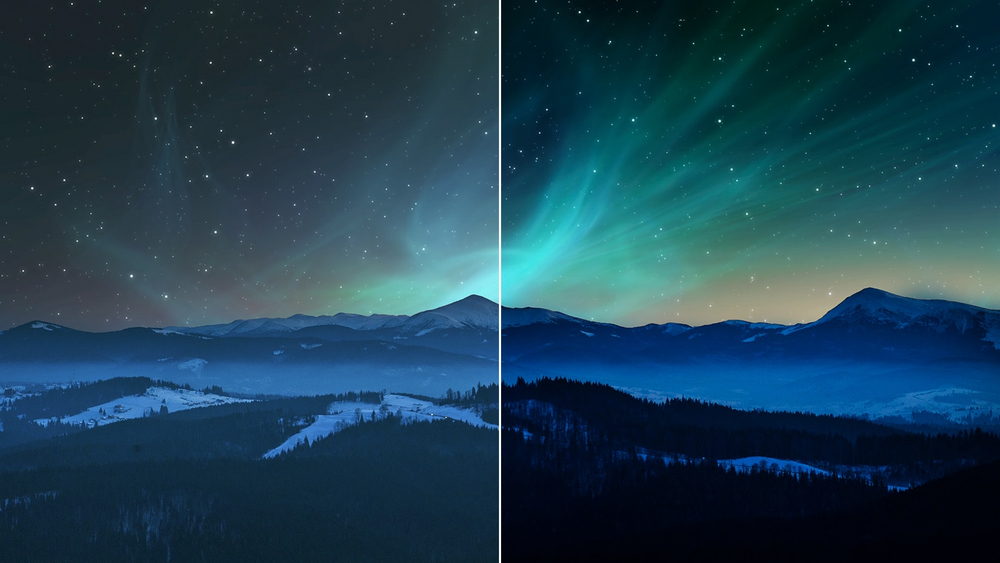
Exceptional contrast and accurate colour
Seamless multitasking
Connect up to four PCs
Thunderbolt 4
Extensive connectivity
Stable connection
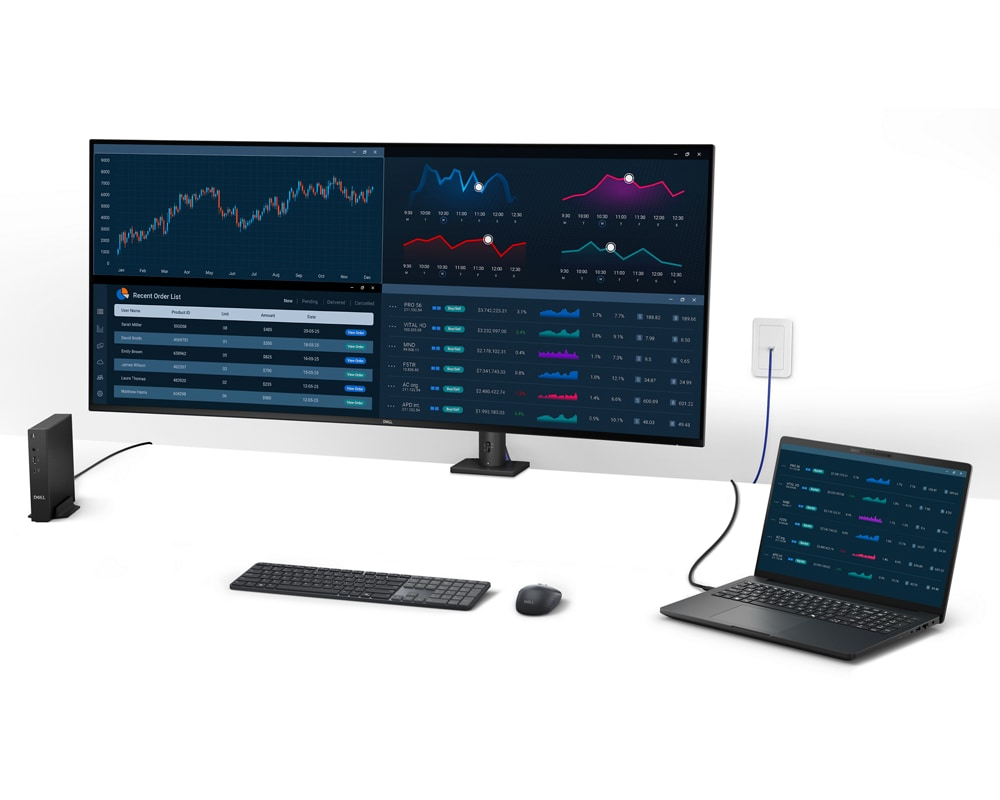
Effortless deployment and setup
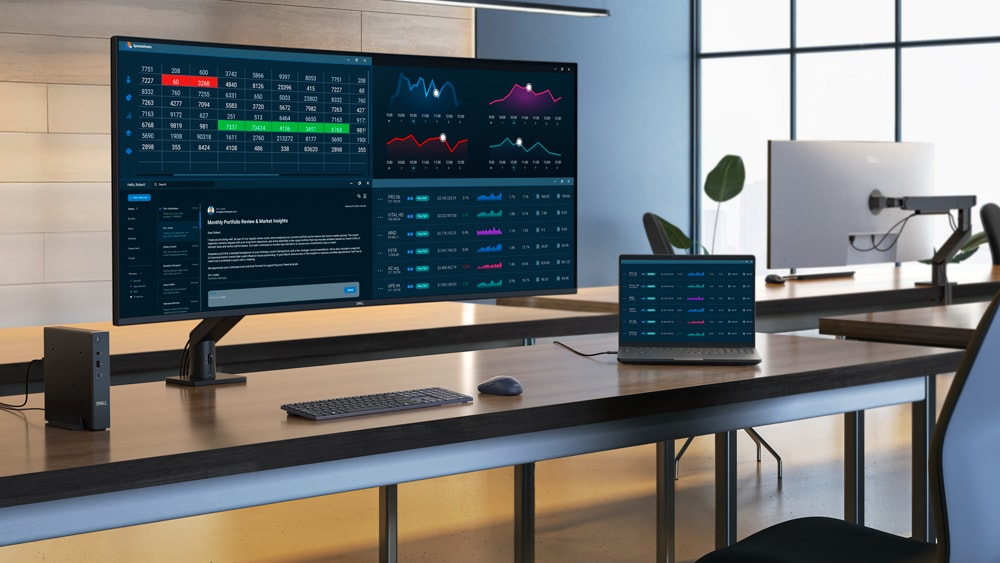
Quick and simple setup
Replace a multiple monitor setup with a single, lightweight monitor for easier installation and reduced setup time. The 2m Thunderbolt cable powers your laptop and keeps your desk clutter-free with a single connection.
IT-friendly flexibility
Designed for VESA mounting, this monitor offers flexibility to fit your workspace. Pair it with the Dell Pro Heavy Duty Single Monitor Arm - HDA26 sold separately f February 2026 for a complete solution.
Dell Display and Peripheral Manager
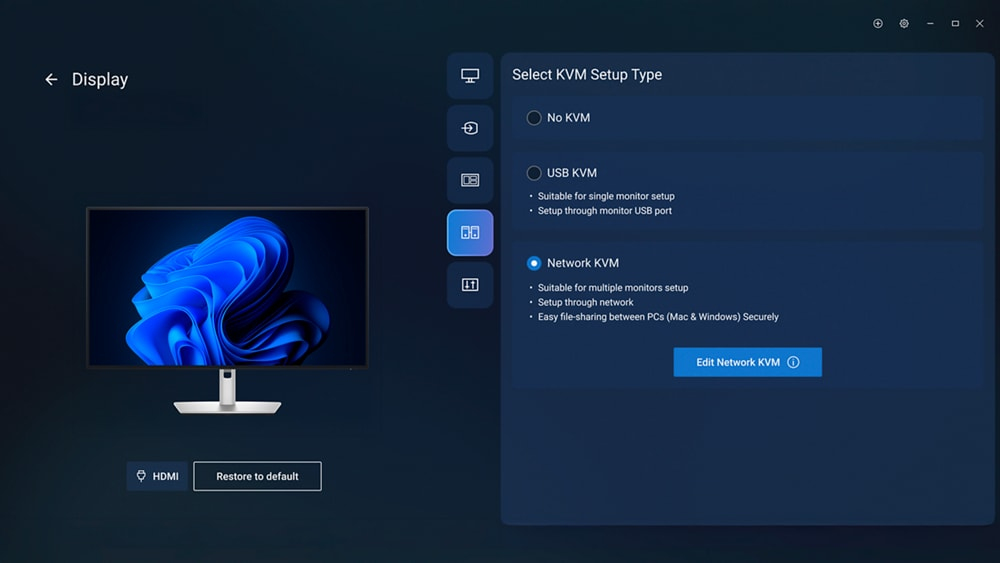
Maximise productivity
Easy Arrange tiles apps across screens with pre-set partitions and customises up to five windows, enhancing multitasking. Easy Arrange Memory saves and restores app profiles manually, on schedule, or at start-up.
Easy navigation
Control and work across multiple network or USB connected PCs and monitors with a single keyboard and mouse, seamlessly transferring files between them.
More manageable
Save time and boost IT efficiency with the Dell Device Management Console to manage your Dell peripheral fleet at scale, f a single cloud-based console. Discover expanded Command Line Interface features f Dell Display and Peripheral Manager.
Optimise your picture
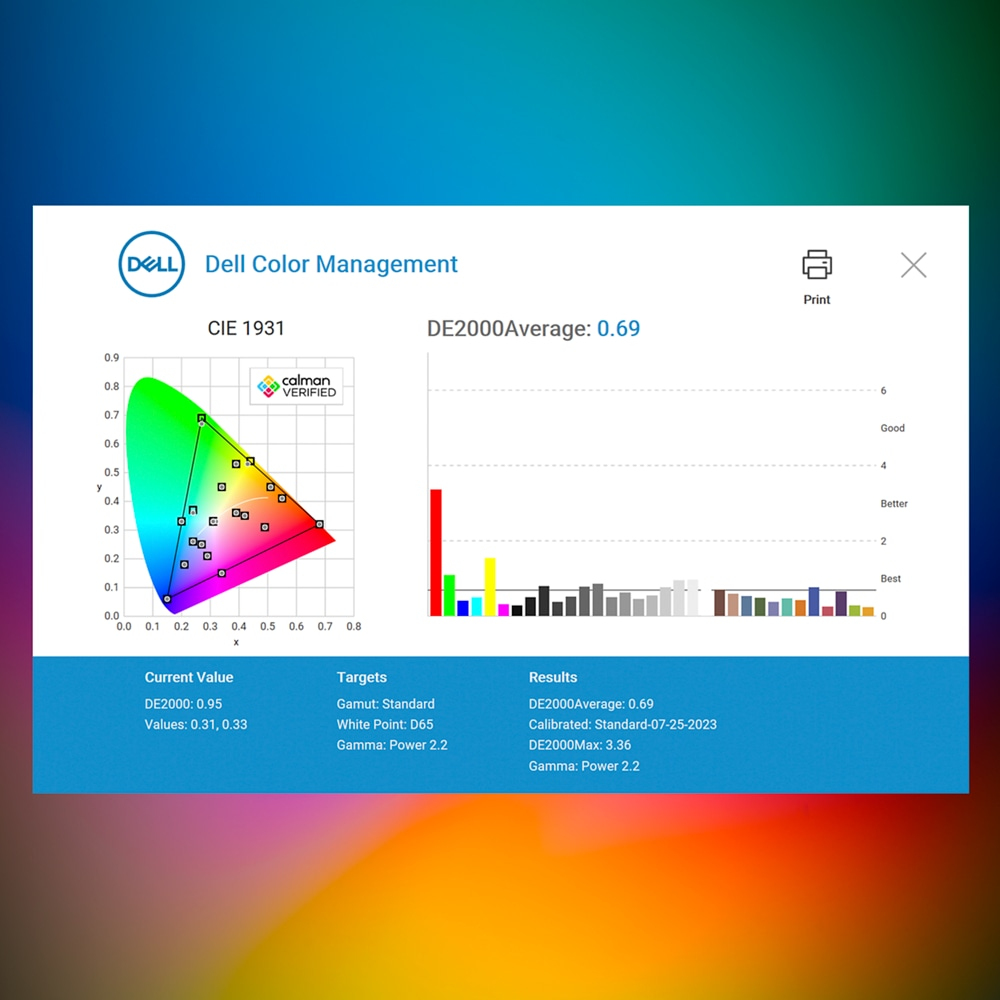
Easily calibrate your monitor’s colours on the new Dell Colour Management software, with Calman Verified certification.
Manage ICC profiles
Create, store, and manage ICC profiles on your computer dynamically through the software dashboard.
Compatible with multiple operating systems
Dell Colour Management software is compatible with multiple operating systems including Windows and macOS®.
Environmentally forward thinking
Intentional design in every partAt the heart of our design is a commitment to sustainability. That's why our monitor helps reduce waste with a design made f recycled materials, with up to 90% post-consumer recycled plastic, 100% recycled aluminium, 50% recycled steel, and 20% recycled glass.
Environmental standards
This monitor is ENERGY STAR®, is registered EPEAT Gold with Climate+, and carries the latest TCO Certification, as well as being TCO Edge, ensuring the use of safer materials, renewable energy use, and extended product life.
Seamlessly ernise your tech
We can help you responsibly and securely retire your legacy IT equipment, regardless of brand, while addressing your sustainability goals.
Packaging with purpose
This monitor ships in a box made f 100% recycled or renewable materials. We are reducing paper usage in monitor packaging, which is equivalent to saving 545 trees annually.
Features
Dell UltraSharp 52 Thunderbolt Hub Monitor - U5226KW without stand
unparalleled productivity with this 6K ultrawide monitor designed for seamless multitasking, superior visual clarity, and all-day eye comfort.
Diagonal Size
51.5"
Resolution / Refresh Rate
6144 x 2560 at 120Hz
Panel Technology
In-plane Switching (IPS) Black Technolog
Adjustability
Height
Tilt
Slant
Swivel
Color Gamut
99% DCI-P3 (CIE 1976)
100% sRGB (CIE 1931)
100% BT.709 (CIE 1931)
99% Display P3
Ports
2 HDMI port/s (HDCP 2.2) (Supports up to 6144 x 2560, 120 Hz, VRR, , as specified in HDMI 2.1 (FRL))
2 DisplayPort 1.4 (HDCP 2.2) port/s
4 USB Type-A 10Gbps downstream port/s
3 USB-C 10Gbps upstream port/s
1 Thunderbolt 4 40Gbps upstream port/s (DisplayPort 1.4 Alt e, Power Delivery up to 140 W EPR)
1 RJ45 Ethernet port/s, 2.5GbE
1 USB Type-A 10Gbps downstream port/s with Battery Charging 1.2
2 USB-C 10Gbps downstream port/s, Power Delivery up to 27 W
World's first 52-inch 6K monitor¹
Revolutionise your workspace by replacing a multiple monitor setup with an ultrawide monitor, available exclusively at Dell.
Enjoy seamless multitasking, superior visual clarity, and all day eye comfort while reducing desk clutter.
Expand your view
Experience breathtaking clarity on a curved screen with a cinematic 21:9 aspect ratio, 129 pixels per inch, and IPS Black technology for exceptional detail and deeper contrast.
21:9
aspect ratio
129
pixels per inch
IPS Black
2000:1 contrast ratio
World's best eye comfort²
This monitor is TÜV 5-star for eye comfort, featuring category one hardware low blue light certification.
Reduces blue light
The world’s first monitor to achieve TÜV category one hardware low blue light certification³, reducing harmful blue light emissions to ≤20% for all day eye comfort without sacrificing colour accuracy. This is up to 60% less exposure than competitors³.
Adapts to your environment
A built-in Ambient Light Sensor intelligently adjusts brightness and colour temperature to suit your surroundings, delivering consistent comfort day or night.
Smoother visual experience
Enjoy less flicker and seamless scrolling with a 120Hz refresh rate, creating smoother motion.
Low reflectance panel
The low reflectance panel reduces glare f outside light sources and improves screen contrast.
Exceptional contrast and accurate colour
IPS Black panel technology delivers a 2000:1 contrast ratio for deeper blacks, while 99% DCI-P3 and Display P3 colour coverage with Delta E <1.5 ensure vivid, precise colour.
Streamline your productivity
Seamless multitasking
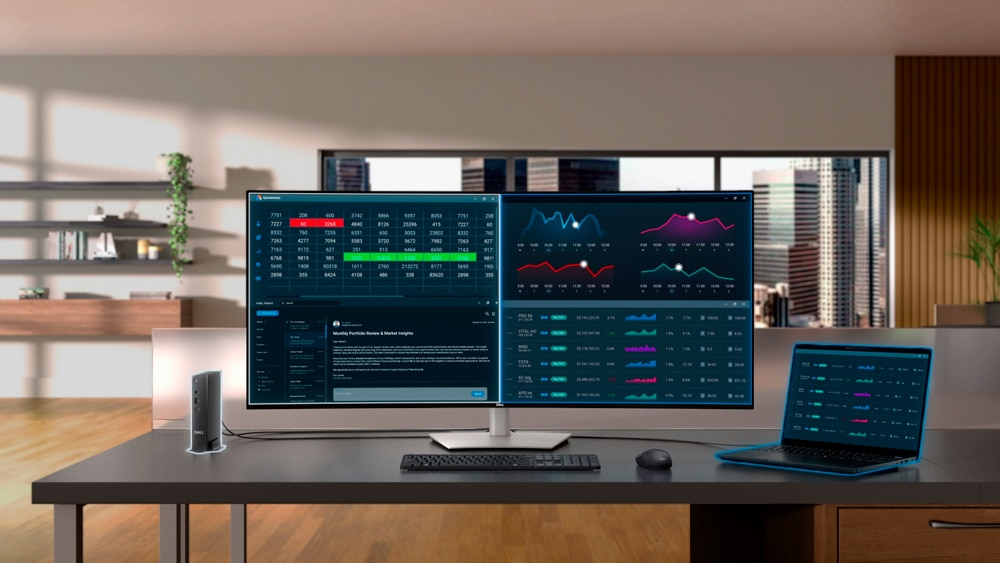
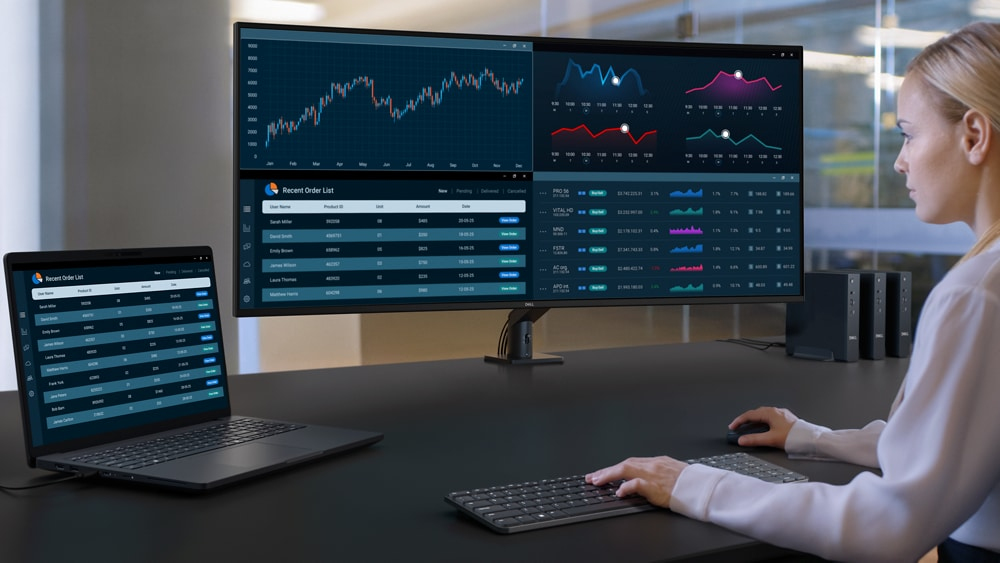
Multitask effortlessly on the world’s first monitor to implement Picture-by-Picture (PbP) with Screen Partition³. Connect to two PCs simultaneously and display content across four unique partitions. No external hardware needed.
Connect up to four PCs
Picture-by-Picture (PbP) lets you view content f multiple PCs on one screen. The KVM (Keyboard, Video, Mouse) and Auto KVM features empower you to control them with a single keyboard and mouse.
Lightning-fast efficiency
With a variety of connectivity options, easily connect your peripherals to optimise your workspace and boost productivity.
Thunderbolt 4
Power your devices with a single cable connection with up to 140W EPR (Extended Power Range) enabled by Thunderbolt 4.
Extensive connectivity
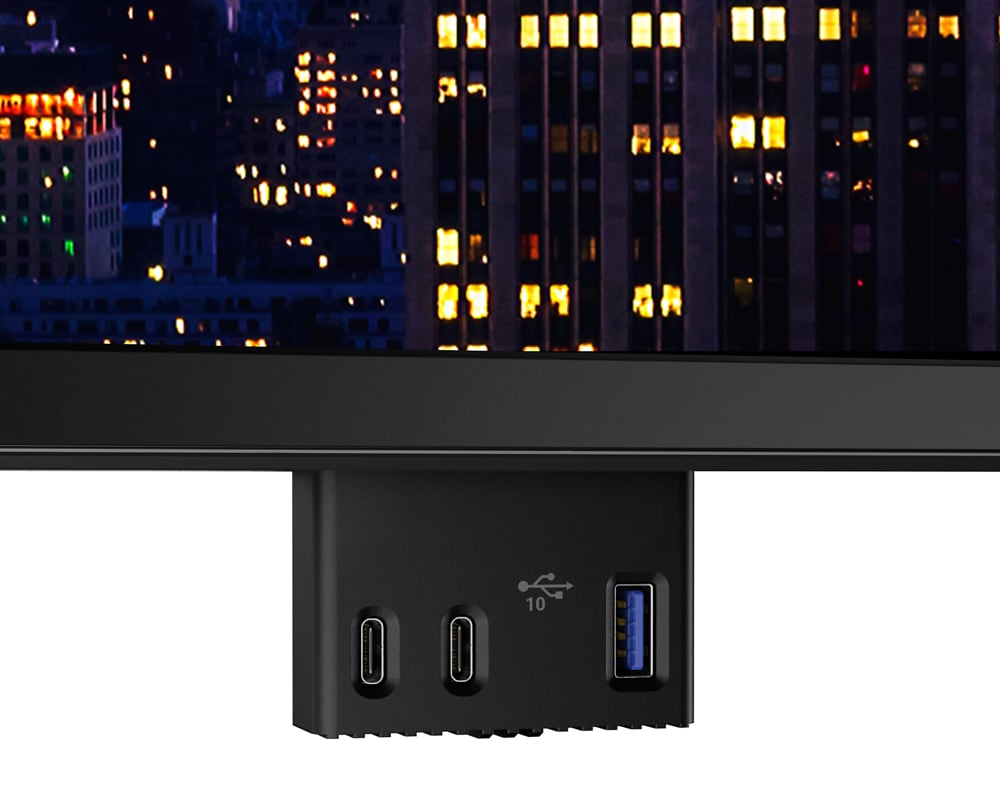
Connect all your devices with a multitude of ports, including a pop-out quick access ule featuring two USB-C ports (up to 27W power delivery) and one USB-A port.
Stable connection
Connect to the Ethernet with a built-in RJ45 port with up to 2.5GbE. The Ethernet switch e feature gives you the flexibility to lock the wired Ethernet to a chosen PC while continuing to share one set of peripherals to control multiple PCs.
Works seamlessly with devices on macOS®*
Tested with devices on macOS, this Thunderbolt monitor with Display P3 colour is your ideal Mac® devices companion for superb colour coverage and accuracy. Daisy chaining⁴ multiple displays via a single cable requires Thunderbolt connectivity. Please check your device for compatibility, as select M-series chips may not support some features. Install Dell Display and Peripheral Manager application to customise advance settings.
*Based on internal testing of Dell monitors connected to devices on macOS via Thunderbolt, June 2024. Some features may not be supported.
Effortless deployment and setup
This monitor is purpose-built with lightweight aluminium and a VESA-mounting solution for easy installation and flexible management.
Quick and simple setup
Replace a multiple monitor setup with a single, lightweight monitor for easier installation and reduced setup time. The 2m Thunderbolt cable powers your laptop and keeps your desk clutter-free with a single connection.
IT-friendly flexibility
Designed for VESA mounting, this monitor offers flexibility to fit your workspace. Pair it with the Dell Pro Heavy Duty Single Monitor Arm - HDA26 sold separately f February 2026 for a complete solution.
Dell Display and Peripheral Manager
Experience Dell’s singular, innovative application to optimise the performance of your entire Dell PC workspace⁵.
Maximise productivity
Easy Arrange tiles apps across screens with pre-set partitions and customises up to five windows, enhancing multitasking. Easy Arrange Memory saves and restores app profiles manually, on schedule, or at start-up.
Easy navigation
Control and work across multiple network or USB connected PCs and monitors with a single keyboard and mouse, seamlessly transferring files between them⁶.
More manageable
Save time and boost IT efficiency with the Dell Device Management Console to manage your Dell peripheral fleet at scale, f a single cloud-based console. Discover expanded Command Line Interface features f Dell Display and Peripheral Manager⁵.
Disclaimer: Screen image simulated for illustrative purposes only. Monitor el may vary.
Dell Colour Management
Optimise your picture
Customisable colours
Easily calibrate your monitor’s colours on the new Dell Colour Management software⁷, with Calman Verified certification.
Manage ICC profiles
Create, store, and manage ICC profiles on your computer dynamically through the software dashboard.
Compatible with multiple operating systems
Dell Colour Management software is compatible with multiple operating systems including Windows and macOS®.
Environmentally forward thinking
Intentional design in every part
At the heart of our design is a commitment to sustainability. That's why our monitor helps reduce waste with a design made f recycled materials, with up to 90% post-consumer recycled plastic, 100% recycled aluminium, and 20% recycled glass⁸.
Environmental standards
This monitor is ENERGY STAR®, is registered EPEAT Gold with Climate+, and carries the latest TCO Certification, as well as being TCO Edge, ensuring the use of safer materials, renewable energy use, and extended product life⁹.
Seamlessly ernise your tech
We can help you responsibly and securely retire your legacy IT equipment, regardless of brand, while addressing your sustainability goals.
Packaging with purpose
This monitor ships in a box made f 100% recycled or renewable materials. We are reducing paper usage in monitor packaging, which is equivalent to saving 545 trees annually¹⁰.
Ports and slots
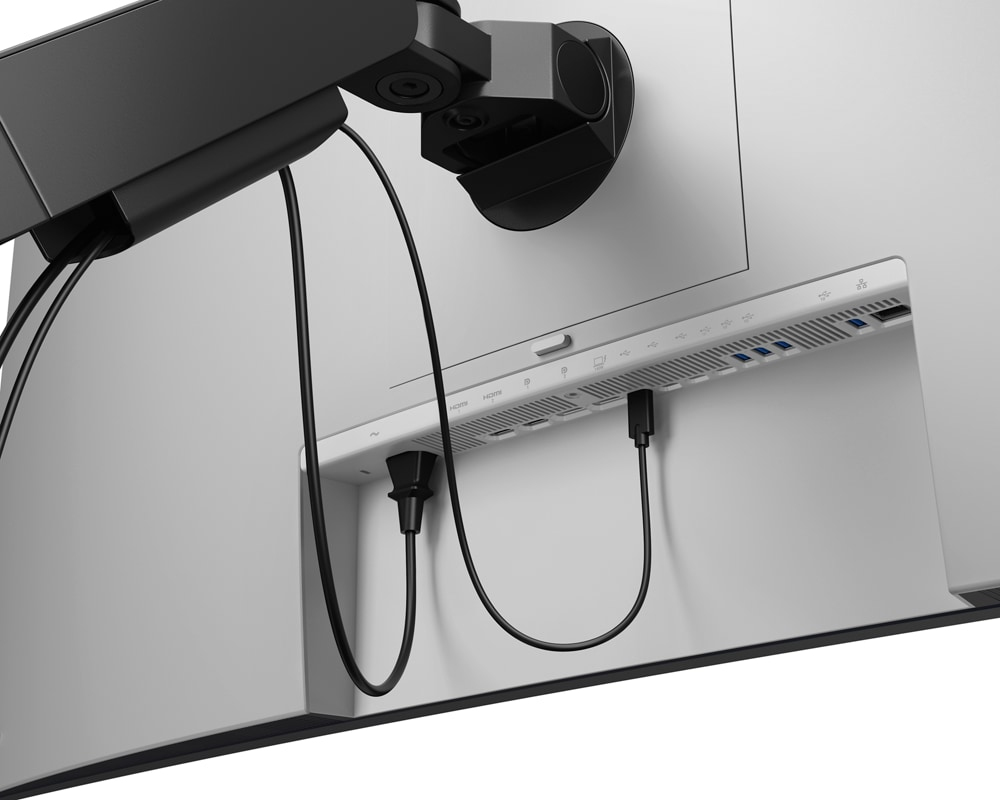
Rear view
- Security lock slot
- Power connector
- 2 x HDMI 2.1 port
- 2 x DisplayPort 1.4 port (in)
- Thunderbolt 4 upstream (Video + Data). Alternate e with DisplayPort 1.4, Power Delivery up to 140W EPR
- 3 x USB-C 10Gbps upstream port (data only)
- 4 x Super speed USB 10Gbps port
- RJ45 Ethernet port, 2.5GbE
- Stand lock
- 2 x USB-C 10Gbps downstream port with power charging (27W)
- USB Type-A 10Gbps downstream port with BC1.2 power charging
- Built-in speakers
Cables included
- Power cable
- DisplayPort 1.4 cable - 1.80 m
- HDMI 2.1 cable - 1.80 m
- USB-C to USB Type-A 10Gbps cable - 1.0 m
- Thunderbolt 4 40Gbps active cable - 2.0 m
Dimensions and weight
- Monitor width: 1223.32 mm (48.16 in.)
- Monitor height: 529.05 mm (20.83 in.)
3. Monitor depth: 111.94 mm (4.41 in.)
Weight
Without stand and cables: 12.95 kg (28.57 lb)¹¹
Peace of mind, guaranteed
A brand you can rely on
As the No.1 monitor company worldwide¹², we take pride in our unyielding commitment to quality and the utmost customer satisfaction.
Best of CES 2026: Dell UltraSharp 52 Thunderbolt Hub Monitor - U5226KW
"Aimed at people who keep a lot on screen at once" — Reviewed.com
A trademark of Reviewed.com used under license. © 2026, reviewed.com All Rights Reserved.
1. Based on internal analysis of available 51.50" and 52.00" monitors in the market, August 2025.
2. Based on internal analysis of monitors with eye comfort features, August 2025.
3. Based on internal analysis, August 2025.
4. Daisy-chaining is supported on select Dell monitors. Please check device compatibility.
5. Based on Dell internal analysis, November 2024.
6. KVM (keyboard, video, mouse) is available on select monitors only. For monitors that don’t support USB KVM, the input source feature is an alternative. You can share multiple input sources to one monitor, but you cannot share one keyboard and mouse.
7. Compatible with external colorimeter (Portrait Displays: C6 HDR2000, X-Rite: i1Display Pro, i1Display Pro Plus, Klein Instruments: K10, Calibrate: ColorChecker Display Pro, ColorChecker Display Plus), sold separately.
8. Based on internal analysis, September 2025. Up to 90% recycled plastic, 100% recycled aluminium in the stand, up 50% recycled steel in the monitor head and stand, and at least 20% recycled glass in the panel.
9. Based on internal analysis, September 2025. ENERGY STAR certifications may vary by region and configuration. See www.energystar.gov/productfinder/ (in English) for certification status. EPEAT registered where applicable. EPEAT registration varies by country. See www.epeat.net (in English) for registration status by country. TCO Certification may vary by region and configuration. See www.tco.com/product-finder/ (in English) for certification status.
10. Based on internal analysis, September 2025. Applies to all Dell monitors launched since 2023. Made f FSC mix sources which is a mix of material f FSC forests, recycled content and/or FSC controlled wood. January 2025, introduced cushions now made f corrugated materials. Paper reduction applies to all Monitors shipping in 2026. Reductions in paper usage in monitor packaging is attributed to the quick start guide size reduction and calibration sheet digitisation. Calculation for trees saved based on: Detailed Calculator | 10 THOUSAND TREES. (in English).
11. Weights vary depending on configurations and manufacturing variability.
12. Source: IDC Worldwide Quarterly PC Monitor Tracker, Q2 2025.
Specifications
Display
Performance
Multimedia
Design
Ports & interfaces
Ports & interfaces
Ergonomics
Power
Operational conditions
Weight & dimensions
Packaging data
Packaging content
Sustainability
Carbon footprint
Other features
Brand-specific features
Additional Information
| EAN/UPC | 5397321029144 |
|---|---|
| MPN | DELL-U5226KWWOS |
| BRAND | DELL |
Disclaimer
Product Carbon Footprint (PCF)
1. Dell calculates the Product Carbon Footprint using one of two methodologies, depending on the product: the Dell PCF calculator (GaBi version , YYYY) or the Product Attribute to Impact Algorithm (PAIA, X.X.X, YYYY). The methodology used is indicated in the "Version of PCF tool used" column.
2. PAIA (Product Attribute Impact Algorithm) is a streamlined LCA tool developed by MIT ‘s Materials System Laboratory. PAIA estimates the product’s carbon footprint using limited system attributes of the product such as component dimension, screen size, system weight, and annual energy consumption.
3. Please note the emission estimate in this report is calculated using the mean value along with the standard deviation for that product el.
4. Use of default inputs (i.e. not primary data) and assumptions on location of use and other fields can introduce a standard deviation which must be taken into account while completing the calculations. For more information refer to the PCF pages on Dell.com.
5. For the PAIA PCF methodology, the transportation f assembly to customer includes the emissions generated during air, ocean and land transportation of finished or semi-finished Dell products between Dell facilities and between Dell facilities to customers.
6. For the Dell PCF calculator and methodology, the transportation phase the default delivery assumptions are 90% of transport happening by sea and 10% happening by air. Trucking distances don’t contribute as much to the PCF impact compared to more influential by sea or by air distances es.
7. Please note, PAIA uses the ecoinvent Database ( whenever primary data is not made available for calculations.
8. For client and commercial end user computing products, minimum configurations were assumed for calculations. For Server and Storage products, typical configurations or ENERGY STAR ( configurations were used for calculations.
9. Use Phase emissions were calculated based on the location of use as "Europe" i.e. the Use Phase emissions are not specific to a single country / location.The Dell PCF Calculator also estimates Use Phase emissions for the U.S. and China, which are available in the PCF PDF documents on Dell.com.
10. The report provides the total emissions separated by the 4 lifecycle phases: manufacturing, transport, use, and end of life to understand the impact of each phase.
11. The Dell PCF Calculator lifetime usage assumption at the product family level is as follows: Desktop, Notebook - 5 years, Display - 6 years and Servers/Storage - 4 years.
12. For Displays, total product weight refers to the weight of the typical product configuration, including any cables and the power cord.
* Blanks indicate we do not have the corresponding metric calculated or data is currently unavailable for the specific product at this time.