Computers
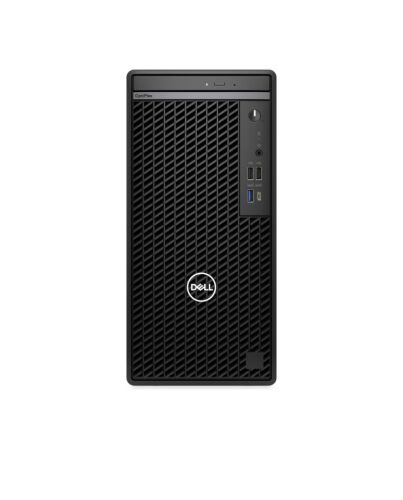
DELL OptiPlex 7020 Intel® Core™ i5 i5-14500 8 GB DDR5-SDRAM 512 GB SSD Windows 11 Pro Mini Tower PC
£628.32
DELL OptiPlex 7020, Intel® Core™ i5, i5-14500, 8 GB, 512 GB, DVD±RW, Windows 11 Pro
Out of stock
- Immediately available
- Discreet Packaging
- Free Shipping
Product Details
Description
Key Features
- Windows 11 Pro 64-bit
- Intel Core i5-14500 (24MB Cache)
- 8GB DDR5-SDRAM (1 x 8) & 512GB SSD
Reasons To Buy
Tower
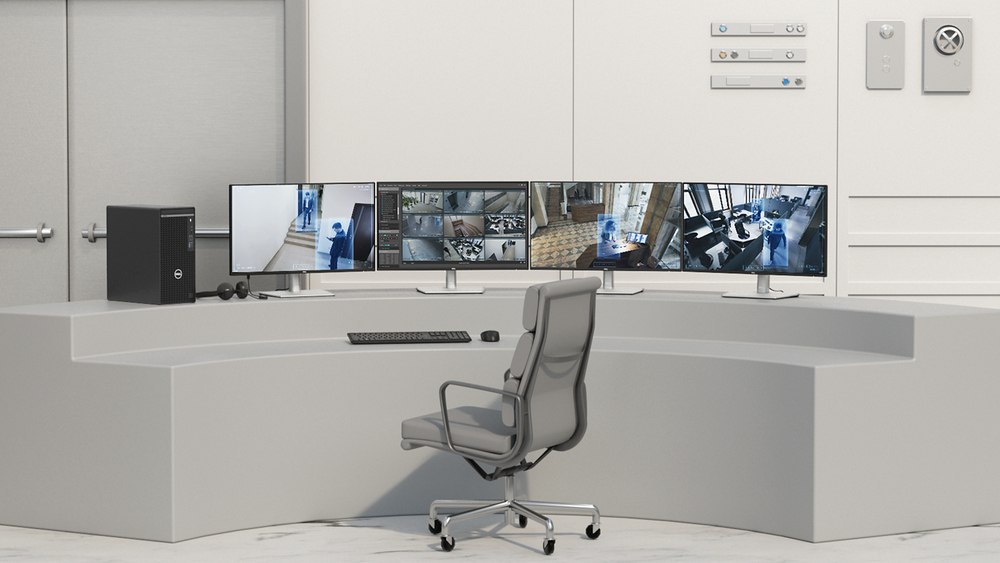
Future-ready DDR5 memory
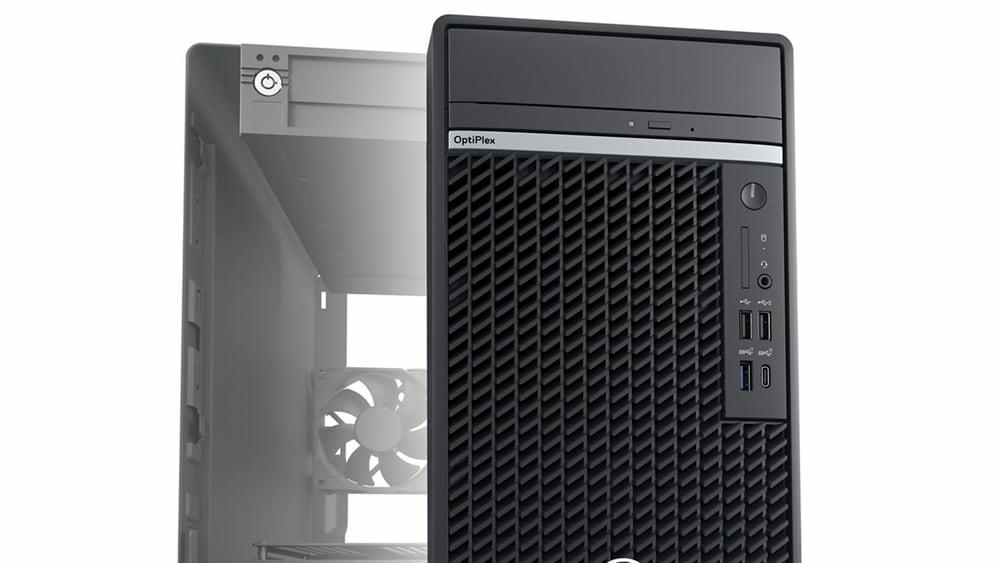
Improved thermals and acoustics
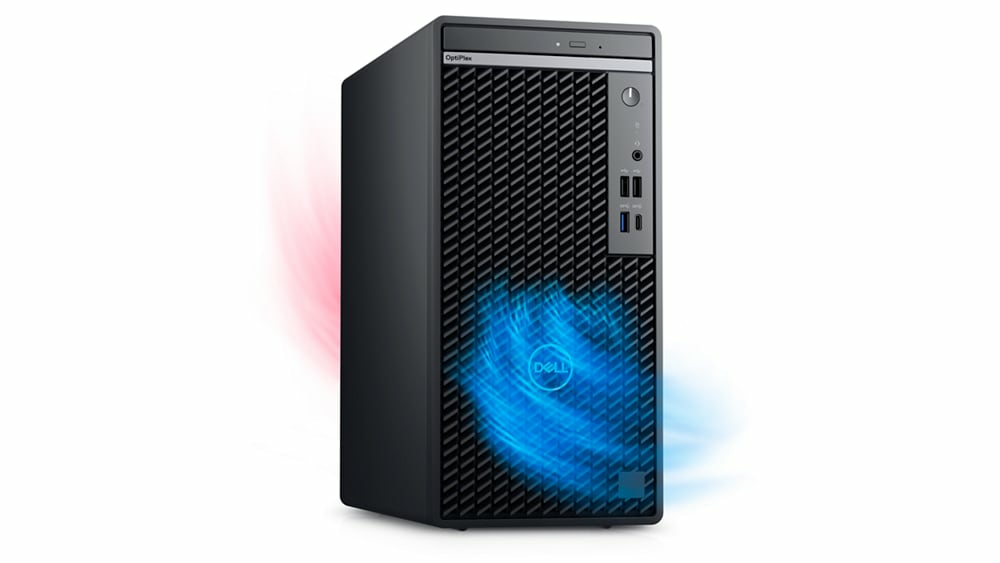
Discrete graphics
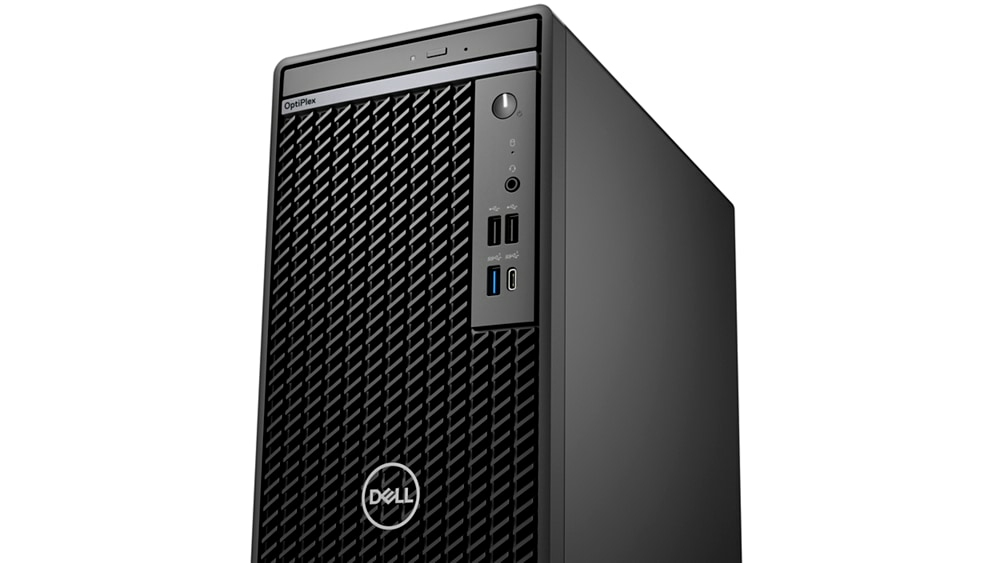
Get the most out of your OptiPlex
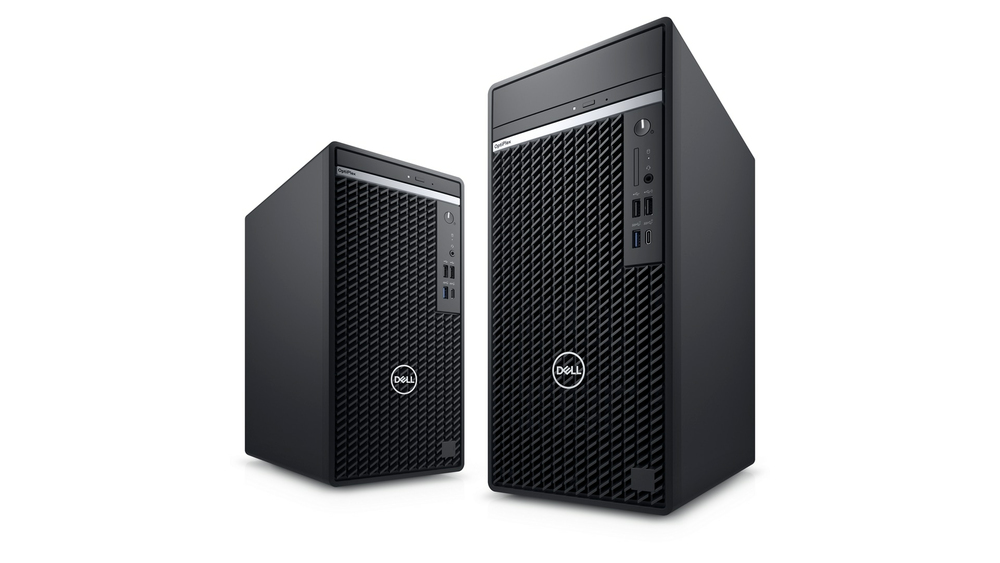
Stunning views: Experience 5K resolution with optional DisplayPort.
Immersive content: Next generation discrete graphics, ready for graphic intense workloads and rich content.
Stay in your flow: Work without interruption with devices that seamlessly connect and interact. Your OptiPlex workspace pairs perfectly with Dell Wireless Headset, Dell Speakerphone and Dell UltraSharp webcam.
One BIOS

Intel® Core™ processors (14th Gen)

Dell Optimizer Built-in AI

ern management and reliability

ern device management
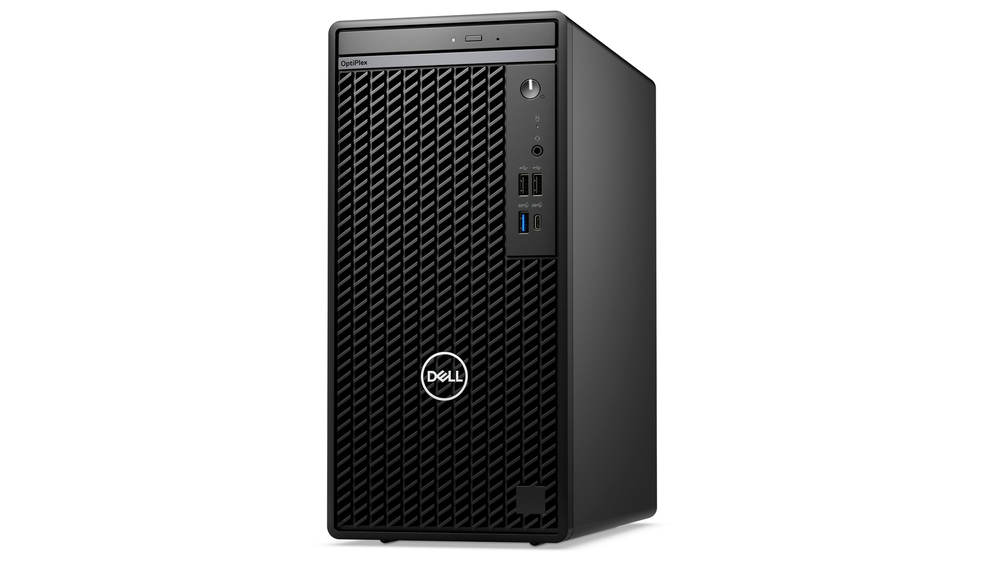
Single BIOS strategy: OptiPlex makes it easier for IT admins to manage numerous devices. OptiPlex offers one BIOS for all-in-ones, and one BIOS across Towers, Small Form Factors and Micro Form Factors.
Dell Manageability Solutions: Designed to allow IT admins to deploy drivers, configure BIOS, monitor devices, and manage updates - reliably and easily, all while integrating with existing endpoint management solutions. Dell offers the industry’s first Binary Large Object (BLOB) package-based solution, for securely configuring & managing endpoints, using Microsoft Intune.
Dell Trusted Update Experience: All-new offing simplifies the update experience for your fleet of devices. We package the latest BIOS, drivers, and versions for our customers – with Dell-exclusive capabilities.
Dell Trusted Devices
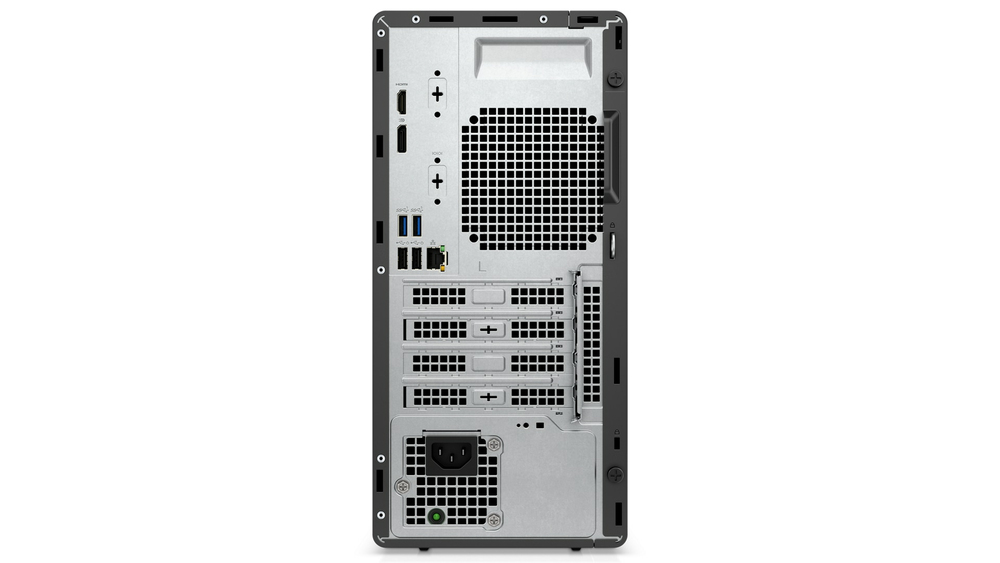
OptiPlex is a part of the industry’s most secure commercial PC family f Dell, with built-in security features that keep you protected and give you visibility to threats for swift action. OptiPlex customers trust our secure desktop solutions, featuring TPM 2.0, lockable cable covers and mounts, smart ation options and chassis intrusion switches.
Be secure f first boot: Rigorous, state-of-the-art supply chain controls and Dell-unique Secured Component Verification reduce the risk of product tampering.
Stay protected f evolving threats: Only Dell offers off-host BIOS and verification, providing greater security than other PCs. Comprehensive security support further minimises the risk of attack in-use.
Early-alert threat detection: Indicators of Attack, an early-alert feature offered only by Dell, scans for behavior-based threats before they can do damage, e.g., BIOS attacks, chassis intrusion.
Safeguard user credentials: Our unique security chip offers an extra, hardware-based layer of security against credential theft.
Dell Optimizer
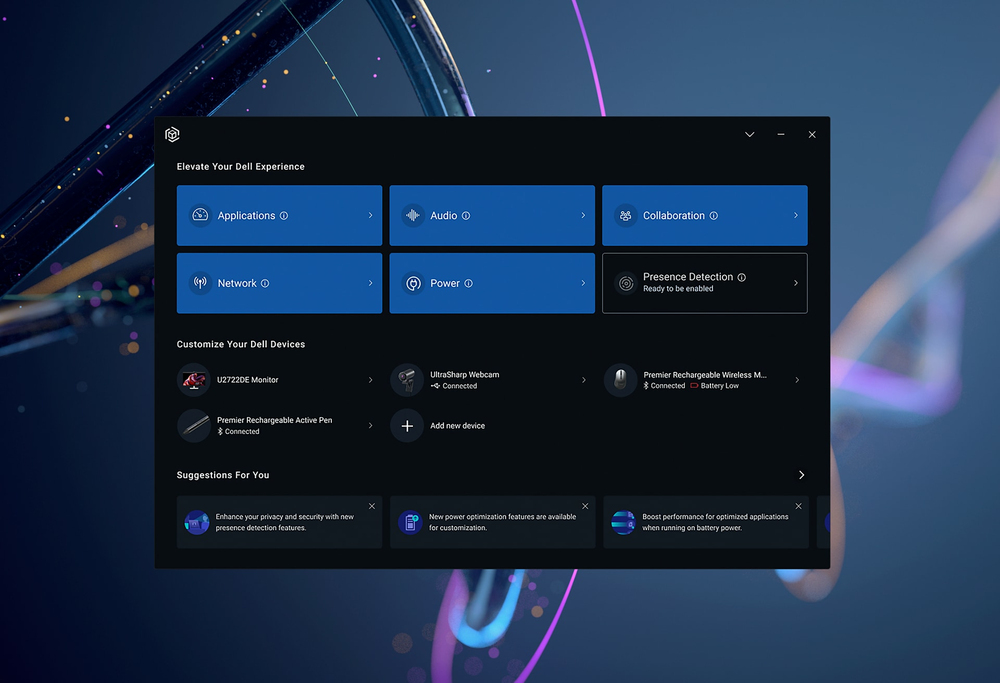
Advancing Sustainability
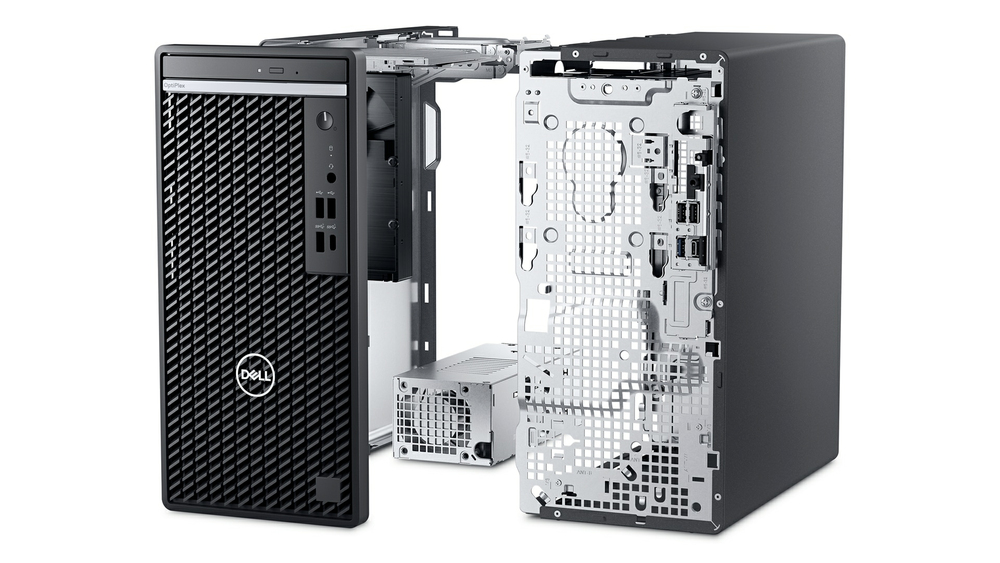
Stay Secure, Be Productive
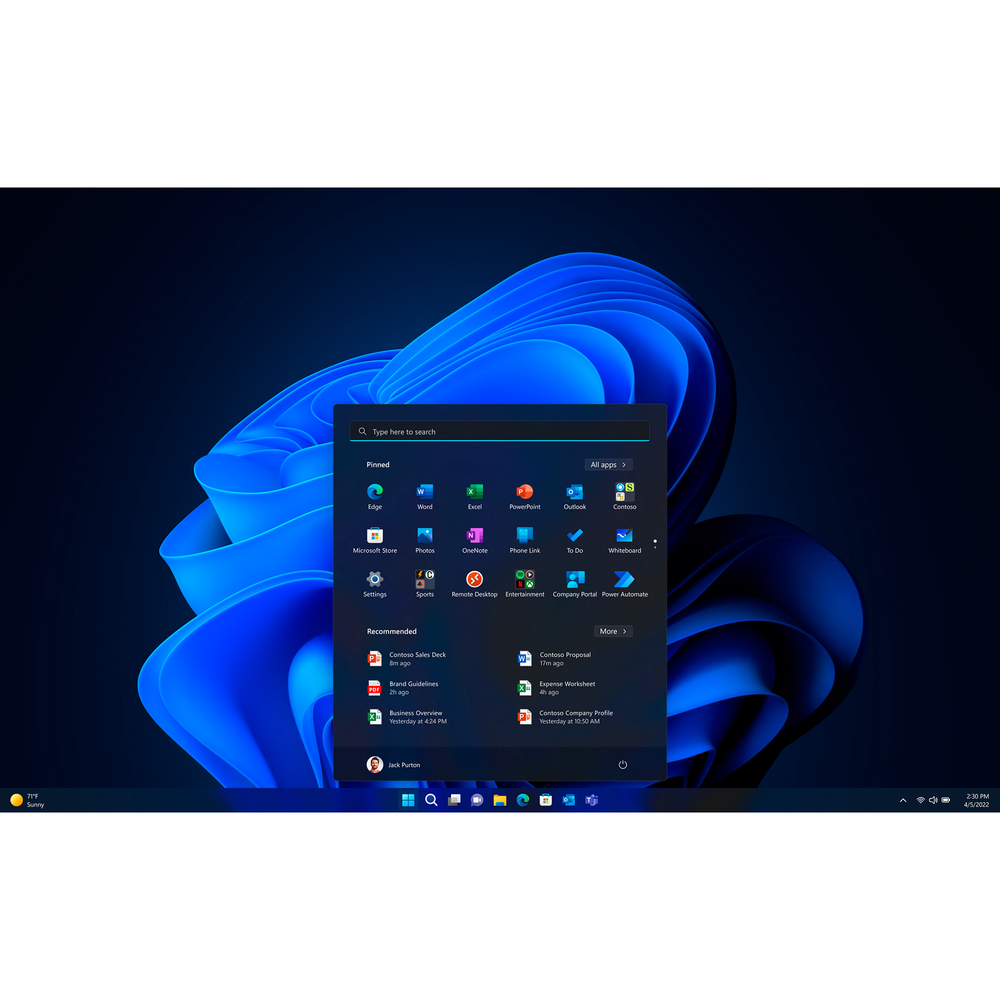
Windows 11 Pro devices help you simplify your workday and improve productivity. Switch seamlessly between locations.
Blaze through your to-do list with AI-powered multitasking, features to get organised in a snap, and performance to speed demanding workloads to completion 42% faster on average.
IT made simple

Dell APEX Managed Device Service: Easily scale your new Dell devices with this all-inclusive subscription designed to relieve the burden of day-to-day support and PC management.
Dell APEX PC-as-a-Service: ernise your IT department with customisable plans on hardware and lifecycle solutions with no upfront investment, flexible terms, and a predictable monthly payment.
Specifications
Processor
Processor manufacturer*
Intel
Processor family*
Intel® Core™ i5
Processor generation
Intel® Core™ i5 (14th gen)
Processor el*
i5-14500
Processor cores
14
Processor threads
20
Processor boost frequency
5 GHz
Performance cores
6
Efficient cores
8
Performance-core Max Turbo Frequency
5 GHz
Efficient-core Max Turbo Frequency
3.7 GHz
Performance-core base frequency
2.6 GHz
Efficient-core base frequency
1.9 GHz
Processor cache
24 MB
Processor cache type
Smart Cache
Number of processors installed
1
Number of processors supported
1
Processor base power
65 W
Maximum turbo power
154 W
Memory
Internal memory*
8 GB
Maximum internal memory*
64 GB
Internal memory type
DDR5-SDRAM
Memory layout (slots x size)
1 x 8 GB
Memory slots
2x DIMM
Memory channels
Single-channel
Memory data transfer rate
4800 MT/s
Storage
Total storage capacity*
512 GB
Storage media*
SSD
Optical drive type*
DVD±RW
Number of storage drives installed
1
Total SSDs capacity
512 GB
Number of SSDs installed
1
SSD capacity
512 GB
SSD interface
PCI Express
NVMe
Yes
SSD form factor
M.2
SSD performance class
35
Compatible memory cards
Not supported
RAID support
No
Graphics
Discrete graphics card*
No
On-board graphics card*
Yes
Discrete graphics card el*
Not available
On-board GPU manufacturer
Intel
On-board graphics card family
Intel® UHD Graphics
On-board graphics card el*
Intel UHD Graphics 770
Maximum on-board graphics card resolution
7680 x 4320 pixels
Network
Ethernet LAN*
Yes
Ethernet LAN data rates
10,100,1000 Mbit/s
LAN controller
Intel® I219-LM
Wi-Fi*
No
Bluetooth
No
Ports & interfaces
USB 2.0 ports quantity*
4
USB 3.2 Gen 1 (3.1 Gen 1) Type-A ports quantity*
3
USB 3.2 Gen 1 (3.1 Gen 1) Type-C ports quantity*
1
HDMI ports quantity*
1
HDMI version
1.4b
DisplayPorts quantity
1
DisplayPort version
1.4a
Ethernet LAN (RJ-45) ports
1
Ports & interfaces
Combo headphone/mic port
Yes
Number of rear USB ports
4
Number of front USB ports
4
Number of front audio ports
1
Design
Chassis type*
Mini Tower
Placement supported
Horizontal/Vertical
Water cooling system
No
Cable lock slot
Yes
Cable lock slot type
Kensington
Product colour*
Black
Performance
Market positioning
Business
Motherboard chipset
Intel Q670
Audio chip
tek ALC3204-CG
Built-in speaker(s)
Yes
Number of speakers
1
Password protection
Yes
Trusted Platform ule (TPM)
Yes
Product type*
PC
Trusted Platform ule (TPM) version
2.0
Software
Operating system architecture
64-bit
Operating system language
German, Dutch, English, French, Italian
Operating system installed*
Windows 11 Pro
Trial software
Activate Your Microsoft 365 For A 30 Day Trial
Power
Power supply*
180 W
Power supply input voltage
90 - 264 V
Power supply input frequency
47/63 Hz
80 PLUS certification
80 PLUS Bronze
Operational conditions
Operating temperature (T-T)
10 - 35 °C
Storage temperature (T-T)
-40 - 65 °C
Operating relative humidity (H-H)
20 - 80%
Storage relative humidity (H-H)
5 - 95%
Operating altitude
-15.2 - 3048 m
Non-operating altitude
-15.2 - 10668 m
Operating vibration
0.26 G
Non-operating vibration
1.37 G
Operating shock
40 G
Non-operating shock
105 G
Sustainability
Sustainability compliance
Yes
Sustainability certificates
ENERGY STAR, EPEAT Climate +, TCO
Weight & dimensions
Width*
154 mm
Depth*
292.2 mm
Height*
324.3 mm
Packaging content
Mouse included on selected markets
Dell Optical Mouse-MS116 - Black
Keyboard included on selected markets
Dell Multimedia Keyboard-KB216 - UK (QWERTY) - Black
Cables included
AC
Carbon footprint
Total carbon footprint (kg of CO2e)
158
Carbon emissions, manufacturing (kg of CO2e)
94.484
Carbon emissions, logistics (kg of CO2e)
9.796
Carbon emissions, energy usage (kg of CO2e)
48.032
Carbon emissions, end-of-life (kg of CO2e)
5.846
PAIA version
GaBi version 1, 2024
Display
Display included*
No
Additional Information
| EAN/UPC | 5397184852903 |
|---|---|
| MPN | 6DT3D |
| BRAND | DELL |
Disclaimer
Actual configuration might differ f illustration
Product Carbon Footprint (PCF)
1. Dell calculates the Product Carbon Footprint using one of two methodologies, depending on the product: the Dell PCF calculator (GaBi version , YYYY) or the Product Attribute to Impact Algorithm (PAIA, X.X.X, YYYY). The methodology used is indicated in the "Version of PCF tool used" column.
2. PAIA (Product Attribute Impact Algorithm) is a streamlined LCA tool developed by MIT ‘s Materials System Laboratory. PAIA estimates the product’s carbon footprint using limited system attributes of the product such as component dimension, screen size, system weight, and annual energy consumption.
3. Please note the emission estimate in this report is calculated using the mean value along with the standard deviation for that product el.
4. Use of default inputs (i.e. not primary data) and assumptions on location of use and other fields can introduce a standard deviation which must be taken into account while completing the calculations. For more information refer to the PCF pages on Dell.com.
5. For the PAIA PCF methodology, the transportation f assembly to customer includes the emissions generated during air, ocean and land transportation of finished or semi-finished Dell products between Dell facilities and between Dell facilities to customers.
6. For the Dell PCF calculator and methodology, the transportation phase the default delivery assumptions are 90% of transport happening by sea and 10% happening by air. Trucking distances don’t contribute as much to the PCF impact compared to more influential by sea or by air distances es.
7. Please note, PAIA uses the ecoinvent Database ( whenever primary data is not made available for calculations.
8. For client and commercial end user computing products, minimum configurations were assumed for calculations. For Server and Storage products, typical configurations or ENERGY STAR ( configurations were used for calculations.
9. Use Phase emissions were calculated based on the location of use as "Europe" i.e. the Use Phase emissions are not specific to a single country / location.The Dell PCF Calculator also estimates Use Phase emissions for the U.S. and China, which are available in the PCF PDF documents on Dell.com.
10. The report provides the total emissions separated by the 4 lifecycle phases: manufacturing, transport, use, and end of life to understand the impact of each phase.
11. The Dell PCF Calculator lifetime usage assumption at the product family level is as follows: Desktop, Notebook - 5 years, Display - 6 years and Servers/Storage - 4 years.
* Blanks indicate we do not have the corresponding metric calculated or data is currently unavailable for the specific product at this time.
Product Carbon Footprint (PCF)
1. Dell calculates the Product Carbon Footprint using one of two methodologies, depending on the product: the Dell PCF calculator (GaBi version , YYYY) or the Product Attribute to Impact Algorithm (PAIA, X.X.X, YYYY). The methodology used is indicated in the "Version of PCF tool used" column.
2. PAIA (Product Attribute Impact Algorithm) is a streamlined LCA tool developed by MIT ‘s Materials System Laboratory. PAIA estimates the product’s carbon footprint using limited system attributes of the product such as component dimension, screen size, system weight, and annual energy consumption.
3. Please note the emission estimate in this report is calculated using the mean value along with the standard deviation for that product el.
4. Use of default inputs (i.e. not primary data) and assumptions on location of use and other fields can introduce a standard deviation which must be taken into account while completing the calculations. For more information refer to the PCF pages on Dell.com.
5. For the PAIA PCF methodology, the transportation f assembly to customer includes the emissions generated during air, ocean and land transportation of finished or semi-finished Dell products between Dell facilities and between Dell facilities to customers.
6. For the Dell PCF calculator and methodology, the transportation phase the default delivery assumptions are 90% of transport happening by sea and 10% happening by air. Trucking distances don’t contribute as much to the PCF impact compared to more influential by sea or by air distances es.
7. Please note, PAIA uses the ecoinvent Database ( whenever primary data is not made available for calculations.
8. For client and commercial end user computing products, minimum configurations were assumed for calculations. For Server and Storage products, typical configurations or ENERGY STAR ( configurations were used for calculations.
9. Use Phase emissions were calculated based on the location of use as "Europe" i.e. the Use Phase emissions are not specific to a single country / location.The Dell PCF Calculator also estimates Use Phase emissions for the U.S. and China, which are available in the PCF PDF documents on Dell.com.
10. The report provides the total emissions separated by the 4 lifecycle phases: manufacturing, transport, use, and end of life to understand the impact of each phase.
11. The Dell PCF Calculator lifetime usage assumption at the product family level is as follows: Desktop, Notebook - 5 years, Display - 6 years and Servers/Storage - 4 years.
* Blanks indicate we do not have the corresponding metric calculated or data is currently unavailable for the specific product at this time.