Laptop Parts & Accessories
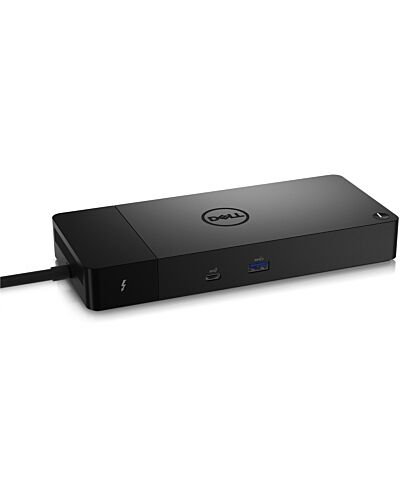
DELL Thunderbolt™ Dock – WD22TB4
£251.50
DELL Thunderbolt™ Dock – WD22TB4, Docking, Thunderbolt, 10,100,1000 Mbit/s, Black, 5120 x 2880 pixels, DC
Out of stock
- Immediately available
- Discreet Packaging
- Free Shipping
Product Details
Description
ular thunderbolt dock with swappable ules for easy upgrades and SuperBoost technologies for fast charging.
Reasons To Buy
ExpressCharge technology
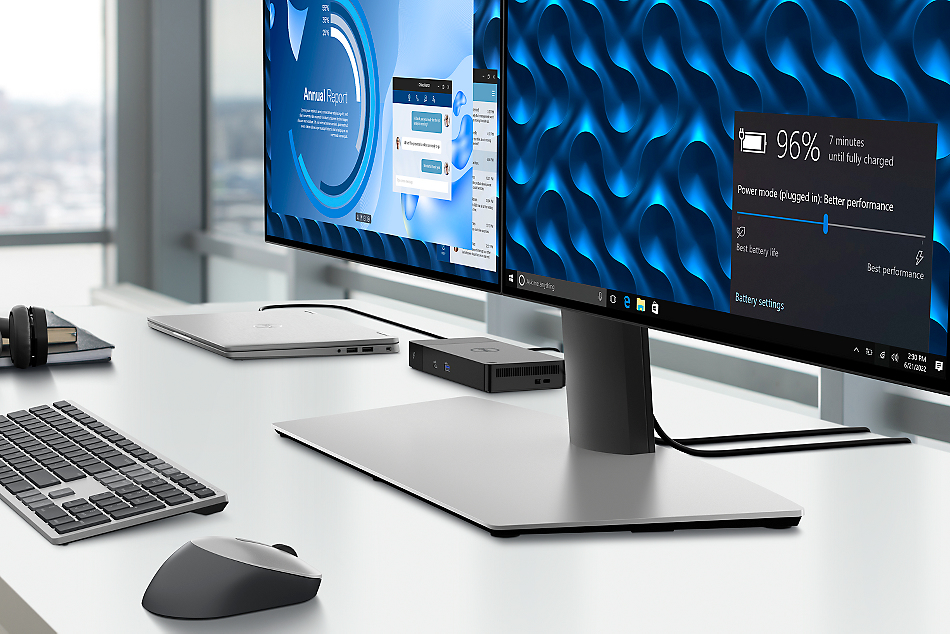
- 80% charge in one hour
- 35% charge in just 20 minutes
Future-made design
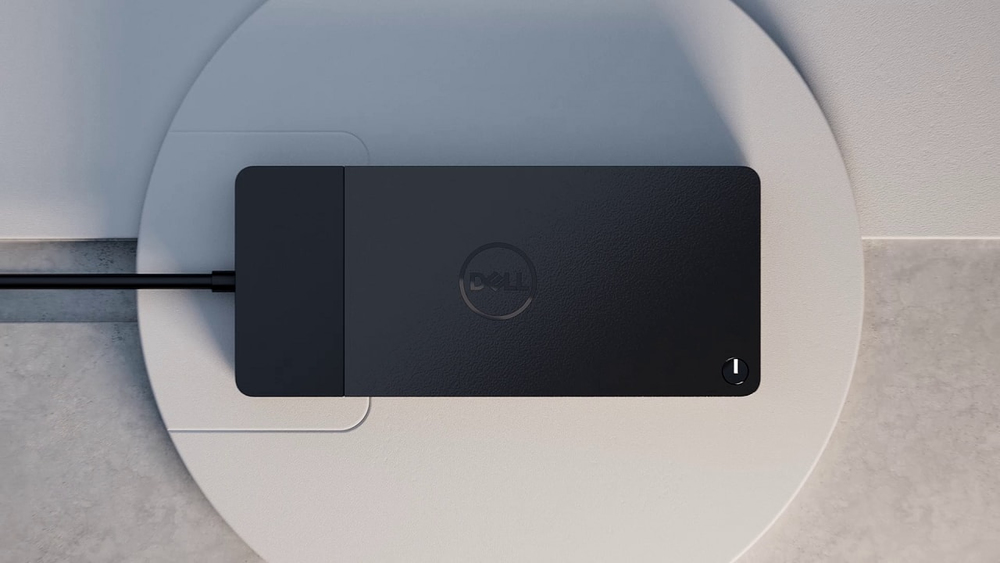
Upgrade to get the latest in connectivity with not one but two Thunderbolt™ 4 ports for even more flexibility.
Multiply productivity
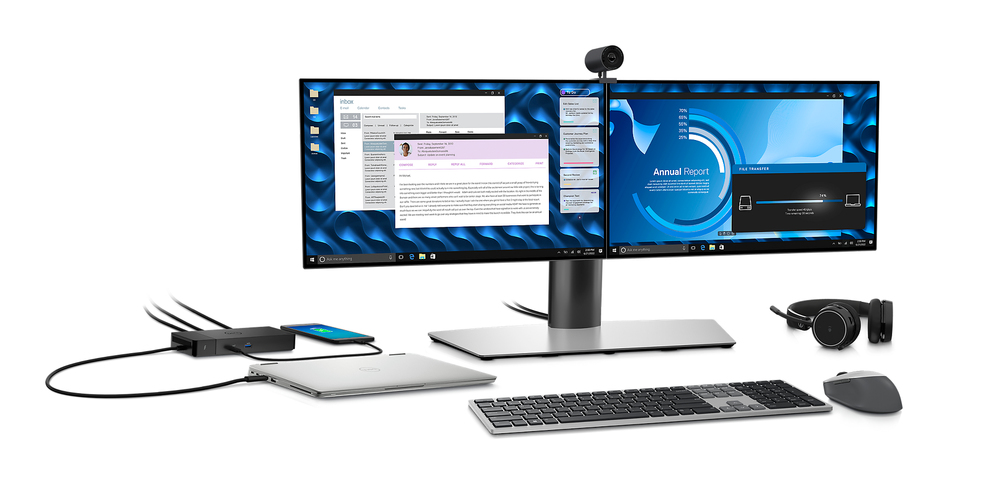
Thunderbolt™ 4 dock with the highest number of ports connects multiple 4K displays and Thunderbolt peripherals allowing you to not compise with your work setup. Get the maximum f your peripherals with data transfer of 40 GB/s.
Intelligent and simple management
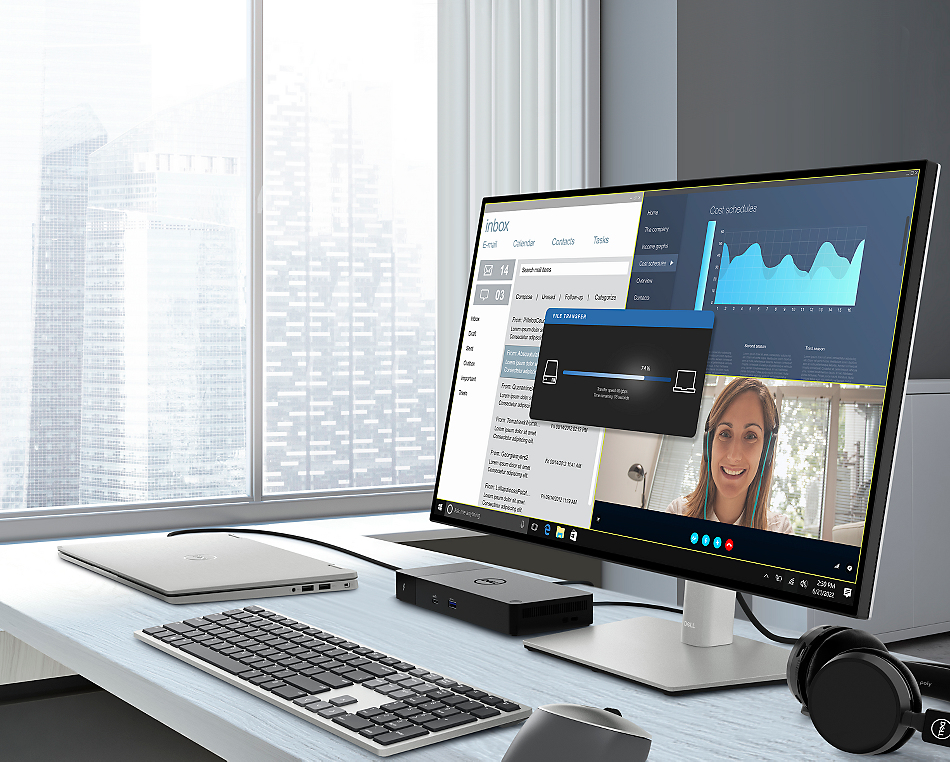
Easier for IT: Dell Client Command Suite and Microsoft System Center Configuration Manager offers a smoother update experience. You can also streamline deployment and management with a single .
Easier upgrades: ularity allows for simple field replacement of the power cable or connectivity ule.
Better support: Inventory management got easier since each has its own service tag, allowing IT to push updates only to certain dock.
Secure manageability: Keep your information safe with MAC Address pass-thru and remote port-disablement. Plus, with features like PXE Boot, Wake-on-LAN, and more, it’s easier than ever to stay productive while managing your dock.
Industry standard compatibility
Features
Dell Thunderbolt™ Dock – WD22TB4
ular thunderbolt dock with swappable ules for easy upgrades and SuperBoost technologies for fast charging.
ExpressCharge technology
You'll experience power delivery of up to 130W on Dell devices with ExpressCharge technology that enables:- 80% charge in one hour
- 35% charge in just 20 minutes
Future-made design
- Swappable ule lets you upgrade with ease to meet the needs of your IT environment.
- Upgrade to get the latest in connectivity with not one but two Thunderbolt™ 4 ports for even more flexibility.
Multiply productivity
Connect displays and peripherals to your system with a single cable for ultimate productivity.Thunderbolt™ 4 dock with the highest number of ports connects multiple 4K displays and Thunderbolt peripherals allowing you to not compise with your work setup. Get the maximum f your peripherals with data transfer of 40 GB/s.
Intelligent and simple management
Work without disruption: updates can be completed in five to seven minutes without needing to reboot the system.Easier for IT: Dell Client Command Suite and Microsoft System Center Configuration Manager offers a smoother update experience. You can also streamline deployment and management with a single .
Easier upgrades: ularity allows for simple field replacement of the power cable or connectivity ule.
Better support: Inventory management got easier since each has its own service tag, allowing IT to push updates only to certain dock.
Secure manageability: Keep your information safe with MAC Address pass-thru and remote port-disablement. Plus, with features like PXE Boot, Wake-on-LAN, and more, it’s easier than ever to stay productive while managing your dock.
Industry standard compatibility
Dell Thunderbolt™ Dock – WD22TB4 offers wide compatibility across Dell Commercial laptops. It is is also compatible with notebooks f other manufacturers which support industry standards for Thunderbolt™ docking.Connectivity Options
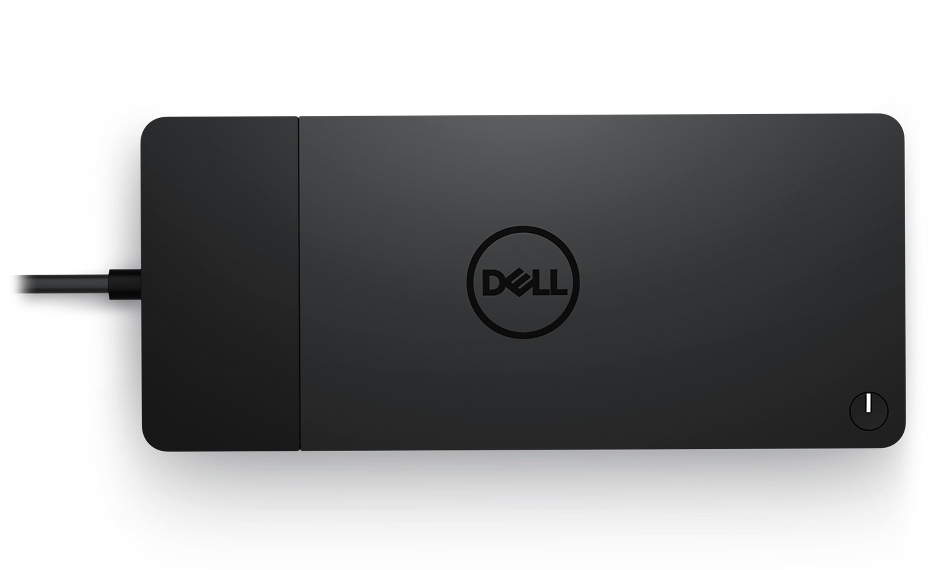
Ports & Slots:1. USB-C 3.2 Gen 2
2. USB-A 3.2 Gen 1 with PowerShare
3. DisplayPort 1.4 (2)
4. HDMI 2.0
5. USB-C Multifunction DisplayPort
6. USB-A 3.2 Gen 1 port (2)
7. Gigabit Ethernet RJ45
8. Power In
9. Thunderbolt™ 4 (2)
Specifications
Ports & interfaces
Connectivity technology*
Docking
Host interface*
Thunderbolt
USB 3.2 Gen 1 (3.1 Gen 1) Type-A ports quantity*
1
USB 3.2 Gen 2 (3.1 Gen 2) Type-C ports quantity
1
PowerShare
Yes
Number of USB ports with PowerShare support
1
HDMI ports quantity*
1
HDMI version
2.0
DisplayPorts quantity
2
DisplayPort version
1.4
Thunderbolt 4 ports quantity
2
Microphone in*
No
DC-in jack
Yes
USB Type-C DisplayPort Alternate e
Yes
Network
Ethernet LAN*
Yes
Ethernet LAN (RJ-45) ports
1
Ethernet LAN data rates
10,100,1000 Mbit/s
Performance
Card reader integrated*
No
Maximum digital resolution
5120 x 2880 pixels
Performance
Product colour*
Black
LED indicators
Yes
Power
Power source type
DC
AC input voltage
120 - 230 V
AC input frequency
50 - 60 Hz
Power supply
180 W
Software
Windows operating systems supported
Windows 10, Windows 11
Linux operating systems supported
Ubuntu 20.04 LTS
Weight & dimensions
Width
205 mm
Depth
90 mm
Height
29 mm
Weight
650 g
Packaging content
Quick start guide
Yes
Logistics data
Harmonized System (HS) code
84733020
Additional Information
| EAN/UPC | 5397184635629 |
|---|---|
| MPN | DELL-WD22TB4 |
| BRAND | DELL |
Disclaimer
Actual configuration might differ f illustration